How to Share a Delivery Route With Another Driver


MiliRoute, a multi-stop delivery app and route planner, lets you share a saved delivery route as a link. The other driver opens the link, taps Add to my routes, and gets an independent copy of the route with its stops and delivery details. No screenshots, no retyping addresses.
How does delivery route sharing work?
You send a link to a saved route. When the other driver opens it and adds it, MiliRoute creates a copy of the route in their own account. The copy is theirs: it is not a live route that the two of you edit together.
When should you share a delivery route?
- Handing over a run when you finish for the day or take time off.
- Splitting a big delivery day between two drivers.
- Covering a regular route, where a different driver does the run this week.
For very large days, it also helps to organize the route first.
How to share a delivery route in MiliRoute
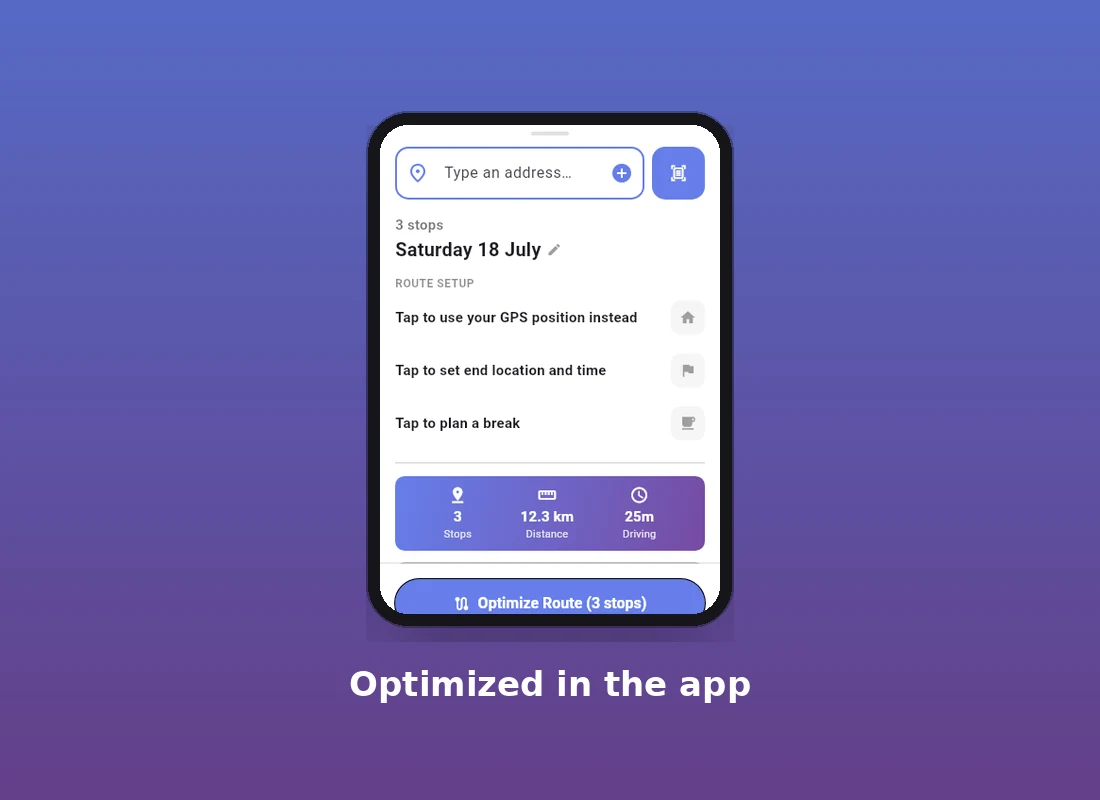
- Build and optimize your route with the route planner. If you are starting from a paper list, scan the addresses with your phone camera.
- Make sure the route is saved. The share option stays greyed out until the route exists.
- Open the Ride tab.
- Tap the ⋮ menu next to the scanner button.
- Choose Share route copy.
- Send the link with your usual messaging app.
What does the other driver receive?
They open the link and see a preview with the route name and the number of stops. They tap Add to my routes, and the route lands in their own account. Nothing is created until they tap, so opening the link twice by accident does not make duplicates.
The other driver needs their own MiliRoute account to add the route.
What gets copied?
| Copied | Not copied |
|---|---|
| Route name | Delivered status |
| Original date | Failed status |
| Stops and addresses | Proof of delivery |
| Tags | Favorites |
| Notes | Archived flag |
| Access codes | |
| Package details | |
| Arrival windows | |
| Estimated times |
Is this a route transfer or a copy?
It is a copy. MiliRoute shares a copy of the route; it does not transfer your delivery progress. The other driver gets a fresh route, ready to drive, not a record of your day.
What happens to delivery progress?
Delivered and Failed status and proof of delivery stay with your original route. The copy starts without them. To see how proof is captured on your own route, read how to capture proof of delivery.
What happens if the route is changed later?
There are two separate things to keep apart:
- Before the link is opened: the link points to your route, not to a frozen snapshot. Someone who opens it later gets the route as it looks at that moment.
- After the route is added: the other driver's copy is independent. Changes to your route do not change their copy, and changes to their copy do not change yours.
What happens if someone opens the link without the app?
The link opens a simple web page showing the route, with an Open in the MiliRoute app button.
Before you share the link
Treat the link as sensitive. Anyone who has it can copy the route.
- The link does not expire.
- The route can contain addresses, notes, access codes and package details, and all of those are part of the copy.
- Send it only to people you trust.
- If you need to shut a link down, delete the original route. The link stops working.
Sharing works best when the route itself is well planned. For how route optimization software works and how to choose one, read our guide to AI route optimization software for delivery fleets.
FAQ
How do I share a delivery route with another driver?
Open the route's ⋮ menu on the Ride tab, choose Share route copy, and send the link. The other driver opens it and taps Add to my routes.
Does the other driver need a MiliRoute account?
Yes. The recipient needs their own MiliRoute account to add the shared route.
Does sharing a route copy completed deliveries?
No. Delivered and Failed status are not copied. The other driver receives the route without your delivery progress.
Does sharing a route include proof of delivery?
No. Proof of delivery stays with your original route and is not copied.
What information is copied when I share a route?
The route name, original date, stops and addresses, tags, notes, access codes, package details, arrival windows and estimated times.
Can I share a route that hasn't been saved?
No. The route must be saved before the Share route copy option becomes available.
Does the share link expire?
No. The link does not expire, so send it only to people you trust.
Can someone copy my route if they have the link?
Yes. Anyone who has the link can add a copy, including the addresses, notes and access codes in it.
What happens if I delete the original route?
The share link stops working.
Can the other driver change the copied route?
Yes. The copied route is independent, so changes the other driver makes to their copy do not affect your route, and changes to your route do not affect theirs.
Can two drivers edit the same shared route?
No. Each driver has an independent copy, so there is no single live route that two people edit. Changes to one copy do not affect the other.
Next step
Build your next run with the multi-stop delivery app for NSW, or see the fleet route planner for small business if you dispatch several drivers.
Written by Mike Gale, AI Engineer at MiliRoute, describing the MiliRoute workflow.