How to Scan Delivery Addresses With Your Phone Camera
How to Scan Delivery Addresses With Your Phone Camera
Typing 40 addresses into a route planner by hand takes most drivers 15 to 20 minutes before they've even left the depot. It shouldn't.
TL;DR: - Point your phone at a printed manifest or a handwritten task list and MiliRoute's scanner reads addresses straight off it — no typing. - It locks onto each address in about a second, validates it against real Places data before adding it, and lets you sweep down a whole list without stopping between stops. - It's built into the free plan, on both the MiliRoute app and the web dashboard.
Why Typing Addresses Is the Slow Part of Your Morning
Route optimization gets all the attention, but for a lot of drivers the actual bottleneck happens before the route is even built: getting the addresses into the app in the first place.
If you're handed a printed manifest, a warehouse pick sheet, or a stack of handwritten delivery slips, someone has to turn that paper into text the app can use. Do that one address at a time for a 40-stop day and you've burned 15-20 minutes before you've left the depot — parked, thumbing at a keyboard, hoping you didn't fat-finger a unit number.
It's also where mistakes creep in. A transposed digit in a street number doesn't throw an error — it just quietly sends the optimizer (and eventually the driver) to the wrong place, and nobody notices until someone's standing at the wrong front door.
How MiliRoute's Camera Scanner Actually Works
This isn't "take a photo and hope OCR gets it right." MiliRoute runs a live, continuous scanner — you hold your phone over a manifest and it reads it in real time, the same way a barcode scanner behaves rather than a one-shot photo import.
Point, hold steady, and it locks
Open the scanner, aim the camera at an address, and hold it reasonably steady. The app watches several frames in a row — if the same address keeps reading the same way, it locks, usually in about a second. A single blurry frame from hand-shake doesn't reset that progress; the scanner just waits for the next clear one instead of throwing away what it's already read.
It checks the address is real before trusting it
A locked read isn't the end of the pipeline. MiliRoute runs it past Google's Places data before adding it to your stop list, so a smudged or oddly-spaced OCR read still resolves to a real, deliverable address rather than a plausible-looking string of characters. There's a guard specifically for house and unit numbers too — predictions are allowed to fill in a missing postcode, but they're not allowed to silently change the number on the door.
It's built for scanning down a whole list, not one address
The part that actually saves time on a 40-stop day is that the scanner doesn't stop after one hit. Once an address locks and you confirm it, the app immediately goes hunting for the next one — you sweep the phone down a task list and it keeps adding stops as it finds them, instead of forcing you to close and reopen a photo-import flow for every single line.
It handles messy real-world lists, not just clean print
Delivery lists are rarely a tidy spreadsheet printout. Multi-line entries — a business name on one line, "Warehouse" on the next, the actual street address on a third — get grouped back into a single address rather than read as three unrelated fragments. And because the scanner scores a candidate on how address-like it looks (street type, number, postcode pattern) rather than matching a rigid template, it copes with the inconsistent spacing and line breaks you actually get on a handwritten or printed manifest, instead of needing a perfectly formatted single-line address to work at all.
Getting the Best Results When You Scan
A few habits make the difference between a fast sweep down a manifest and a frustrating one:
- Light matters more than resolution. A well-lit kitchen table beats a dim van cab every time — the scanner needs contrast between ink and paper, not megapixels.
- Hold steady for a beat, don't wave the phone. The lock happens across a couple of frames in a row; constant movement just means it keeps restarting that count.
- Straight-on beats an angle. A sharp angle distorts letter shapes enough to cost you a re-scan.
- Let it confirm before moving to the next line. The sweep is fast, but it's still one address at a time — rushing past a lock before it's added means you'll have to come back to it.
Where This Fits With the Rest of Your Route
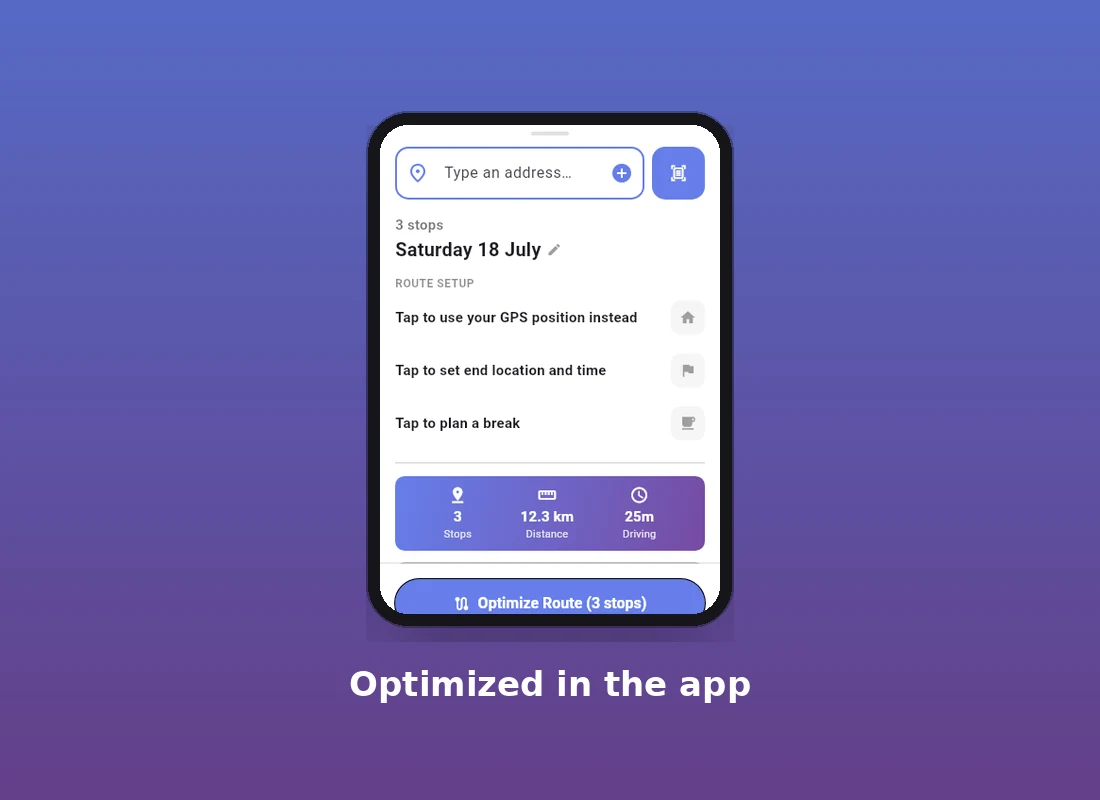
Scanning solves the "getting addresses in" problem — it's not the same thing as route optimization, and it isn't meant to be. Once a scan sweep has added your stops, they land in the same planner as anything typed or pasted in: you still choose your start point, set an end location if you need one, toggle avoid-tolls if that matters for the day, and hit Optimize the same way you would with a manually entered list. The scanner just gets you to that point in under a minute instead of twenty.
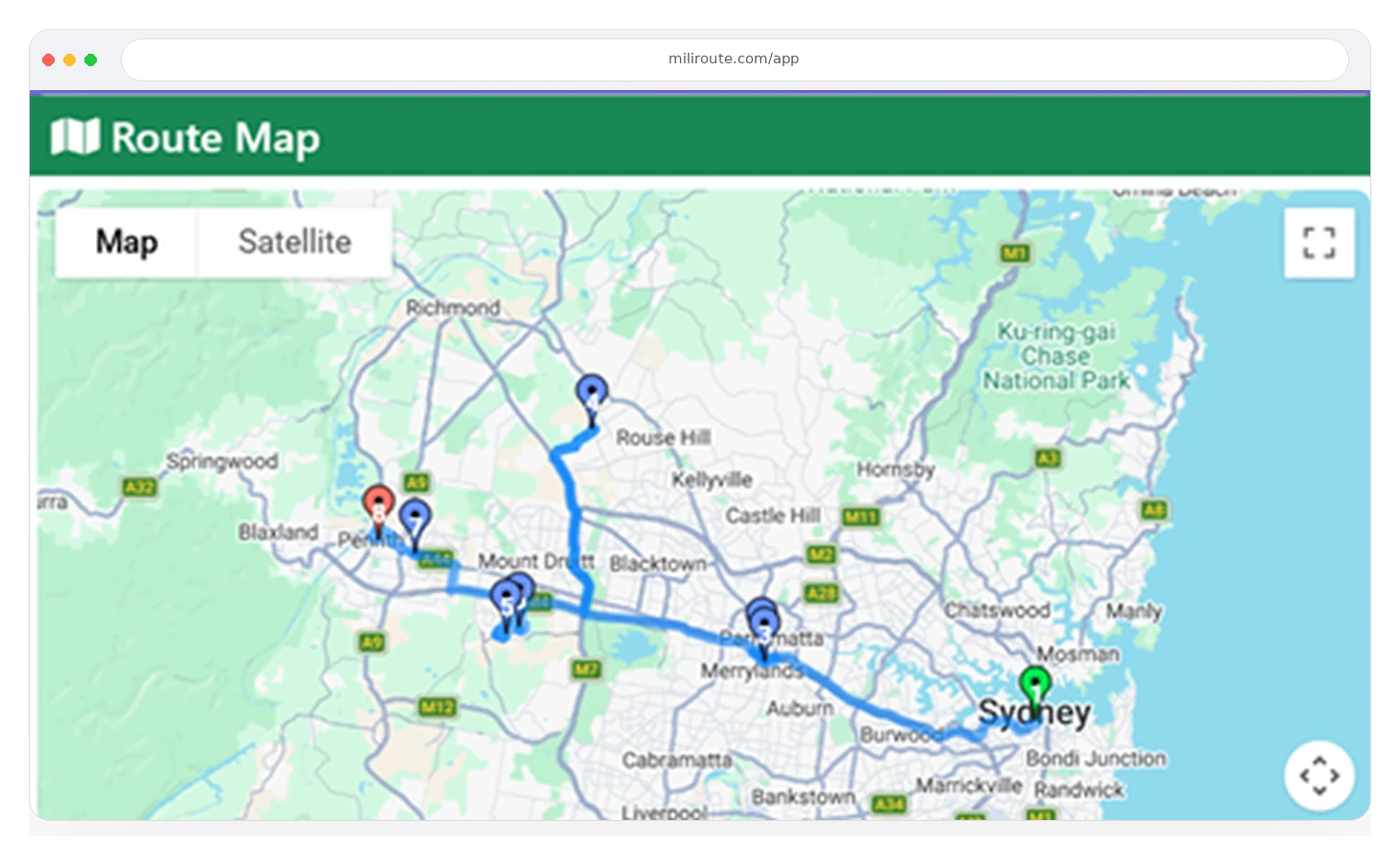
That optimized route is the same one you'd get from a manually typed list — scanning just gets your stops in faster, it doesn't change what happens once they're there:
FAQ
Does it work on handwritten addresses, or only printed ones? Both, within reason. The scanner isn't matching a fixed template — it scores candidates on how address-like the text looks (street type, number, postcode pattern), which is more forgiving of messy handwriting than a strict regex would be. Very messy or smudged handwriting is still harder for any OCR to read reliably, printed or not.
Do I need an internet connection to scan? Yes. Each locked read is checked against real address data before it's added, which needs a connection. That validation step is exactly what keeps a smudged read from silently becoming the wrong address.
Can I fix a wrong read before it's added? Yes — a lock isn't automatic-and-final. You see what it read and can reject it or choose a different match before it's added to your stop list.
Will it re-scan and double-charge for an address I already scanned? No. Already-resolved addresses are cached, so re-scanning the same label — which happens constantly when you're sweeping back and forth across a page — doesn't repeat the lookup.
Does this replace typing addresses entirely? No, and it's not meant to. Typing and pasting still work exactly as before; scanning is just there for the mornings when what you've got is a printed manifest or a stack of paper slips instead of a clean list you can copy-paste.
Next Step
If your mornings start with a paper manifest, MiliRoute's free plan includes the scanner — try it on tomorrow's stack instead of typing the first one by hand.